Your day, as it happened
A private timeline of the apps you use.
It never leaves your Mac.
macOS 14 Sonoma or later · Free and open source · Not yet signed — what that means
A private timeline of the apps you use.
It never leaves your Mac.
macOS 14 Sonoma or later · Free and open source · Not yet signed — what that means
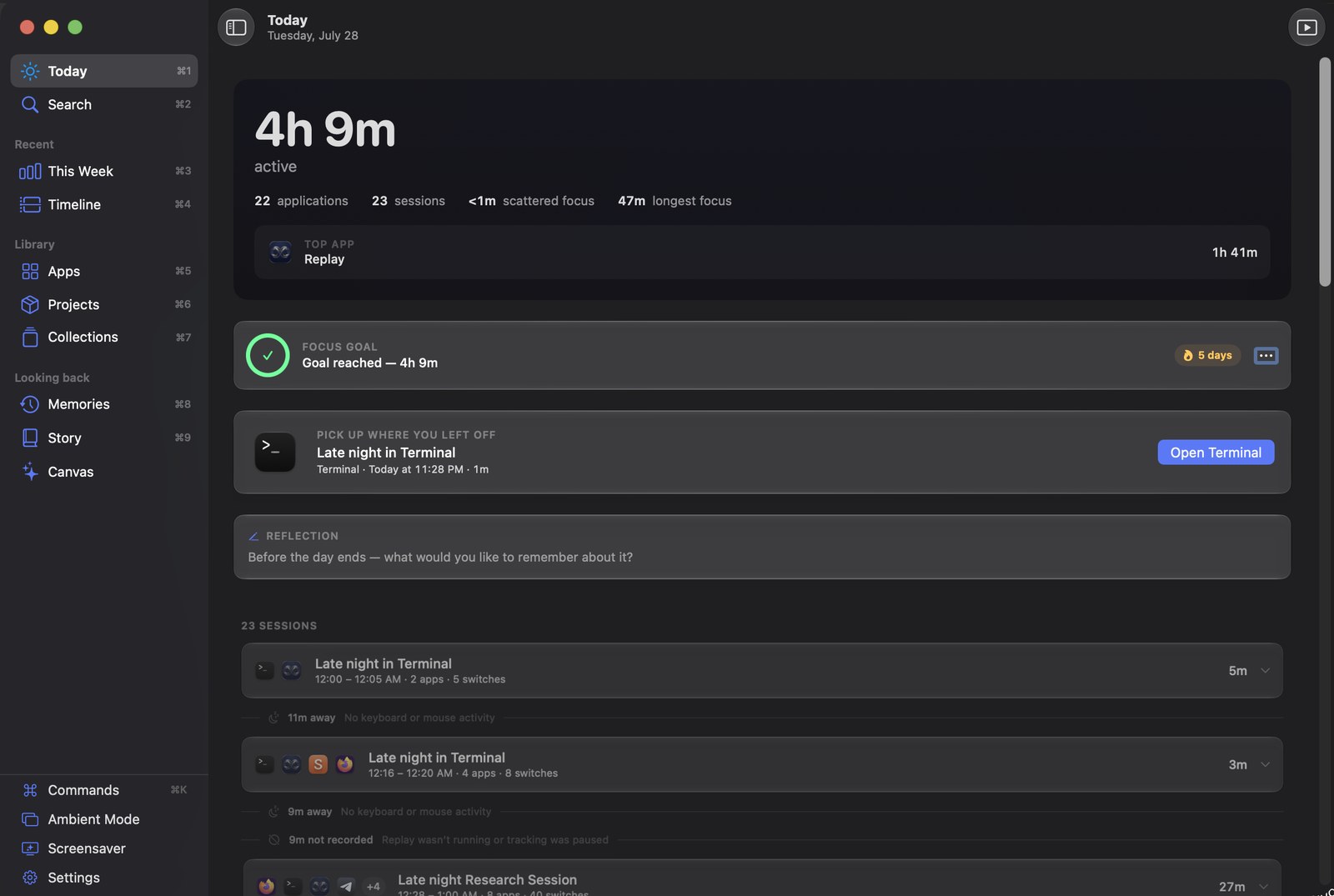
Which application is in front, and when you were away from the keyboard. That is the entire input. Everything Replay shows you is built from those two facts.
Not Accessibility, not Automation, not Screen Recording. Replay reads which app is frontmost through a standard macOS signal that every app can already see. If a feature seemed to need a permission, it was the wrong feature.
No window titles, no documents, no URLs, no keystrokes, no screenshots. It can tell you that you spent four hours in an editor, and nothing whatsoever about what you wrote.
No account, no cloud, no telemetry, no analytics. Your record is one SQLite file in your own user folder. Nothing recorded is ever transmitted anywhere, under any setting.
No score, no productivity rating, no “distracting” label on anything. A day that was mostly a browser is described as a day mostly in a browser.
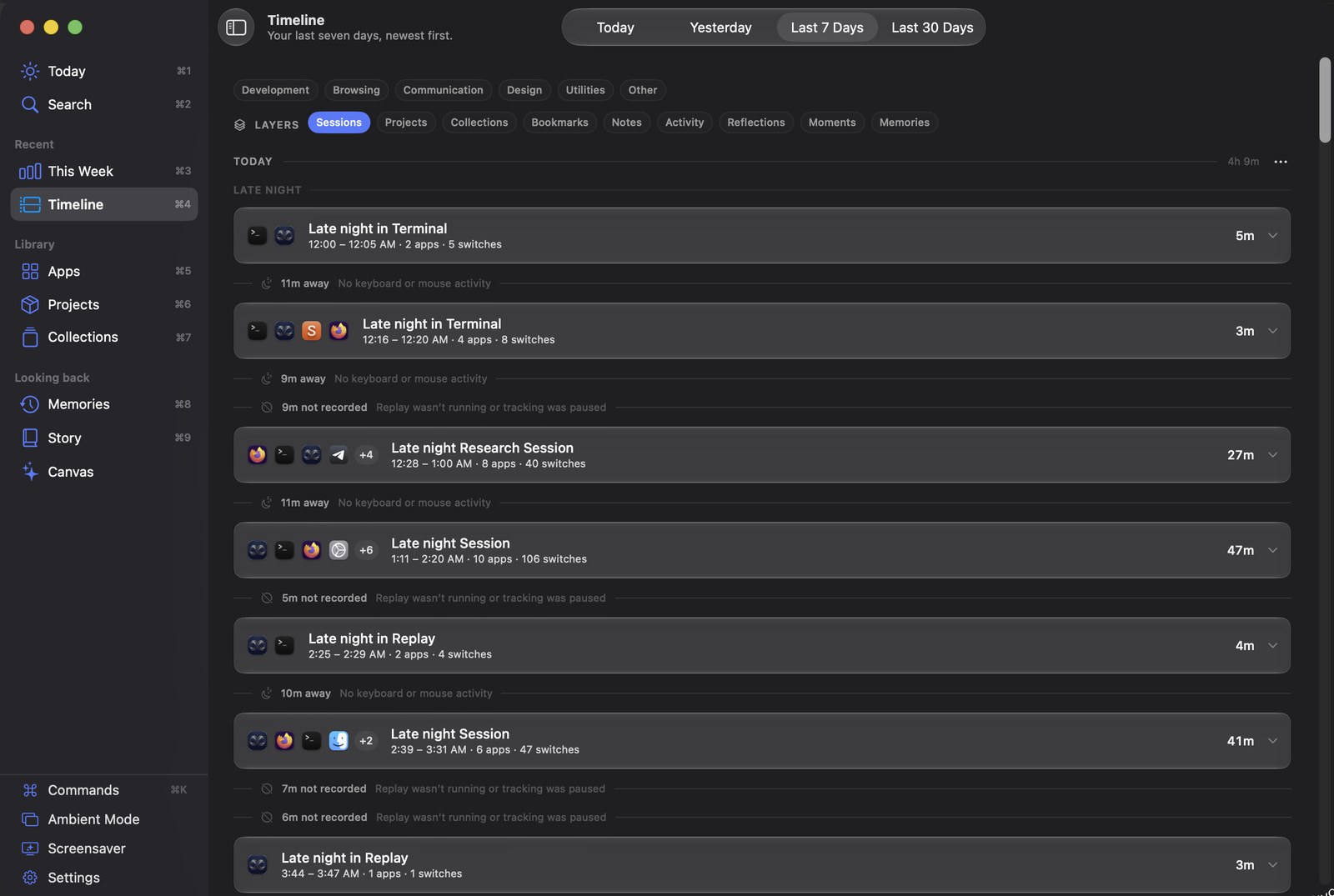
Days newest first, split into the parts of the day you actually name — morning, afternoon, late night. Sessions group the runs of related work; the gaps between them are shown too, and labelled honestly as time away or time not recorded.
Add a note, a tag or a bookmark to any session. Search by name, note, tag or app.
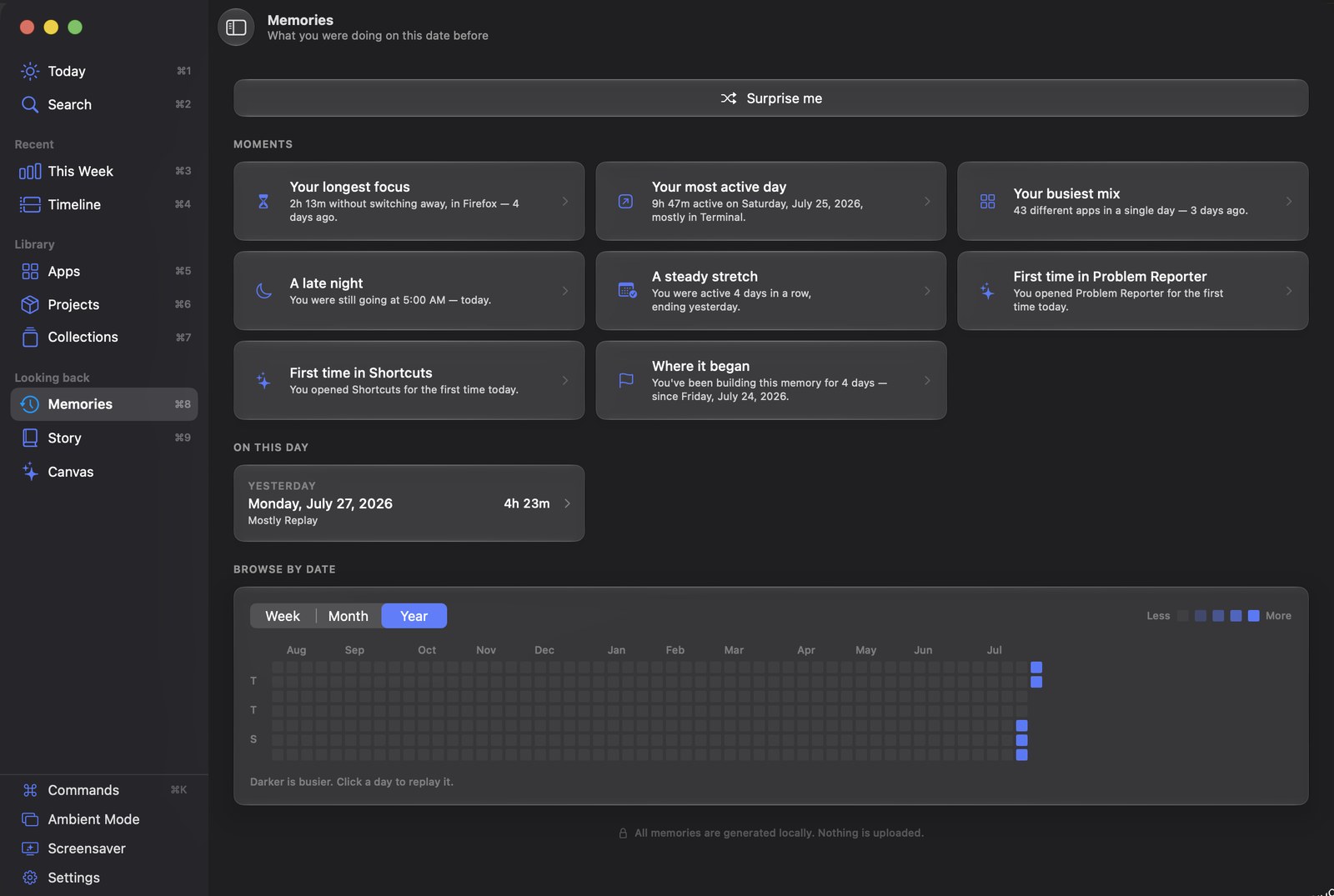
Memories surfaces what this date looked like a week, a month, or two years back — your longest focus, your busiest day, the first time you opened something.
The year grid shades each day against fixed amounts of time rather than against the busiest day in view, so a quiet month and a heavy one do not look the same.
Two ways, trading the same thing in opposite directions. A prebuilt download is installed in seconds. A build from source takes a couple of minutes and wants Xcode. Both open without a warning; they get there differently, and the difference is worth a sentence.
brew trust --tap nurkamol/tap
brew install --cask nurkamol/tap/replay-app
Straight into /Applications, no developer tools. The first line is
not optional — Homebrew 6 will not load a third-party tap until you say you
trust it, and the refusal looks like a broken tap rather than a consent prompt.
It opens with no warning because the tap clears the quarantine flag for you —
which means macOS did not check it, and here is what did.
brew trust --tap nurkamol/tap
brew install nurkamol/tap/replay-app-source
brew install nurkamol/tap/replay        # the command-line reader
Compiled on your Mac, so it is never downloaded, never quarantined, and there is no
check to skip. Then link it once so Spotlight and the Dock find it:
ln -sfn "$(brew --prefix)/opt/replay-app-source/Replay.app" /Applications/Replay.app
No tools needed — but macOS will refuse to open it the first time, and you should know why before you meet the dialog.
Get the latest releaseYou will see this if you download the zip from the releases page. It offers only Move to Trash or Cancel, which reads far worse than it is: the message is about a missing certificate, not about anything found in the app. Every unsigned Mac app gets it. A Developer ID costs 99 USD a year and this project does not have one yet.
The Homebrew cask does not show it, and you should know why. The tap clears the quarantine flag after installing, so macOS never runs its check. What replaces that check is Homebrew verifying the download against the SHA-256 in the cask — a real check, but one published by the same project that publishes the app. If you would rather Apple’s check applied, build from source: that copy is compiled on your Mac and never downloaded, so there is nothing to skip.
Or one line in a terminal, which does the same thing:
xattr -dr com.apple.quarantine /Applications/Replay.app
Right-click ▸ Open does not work. That bypass existed for years and Apple removed it in macOS 15 — it is still the advice in most projects’ instructions.
Twenty screens are built from those same two facts — which app was in front, and when you were away. Nothing below is a mock-up; each is the app running against a real record.
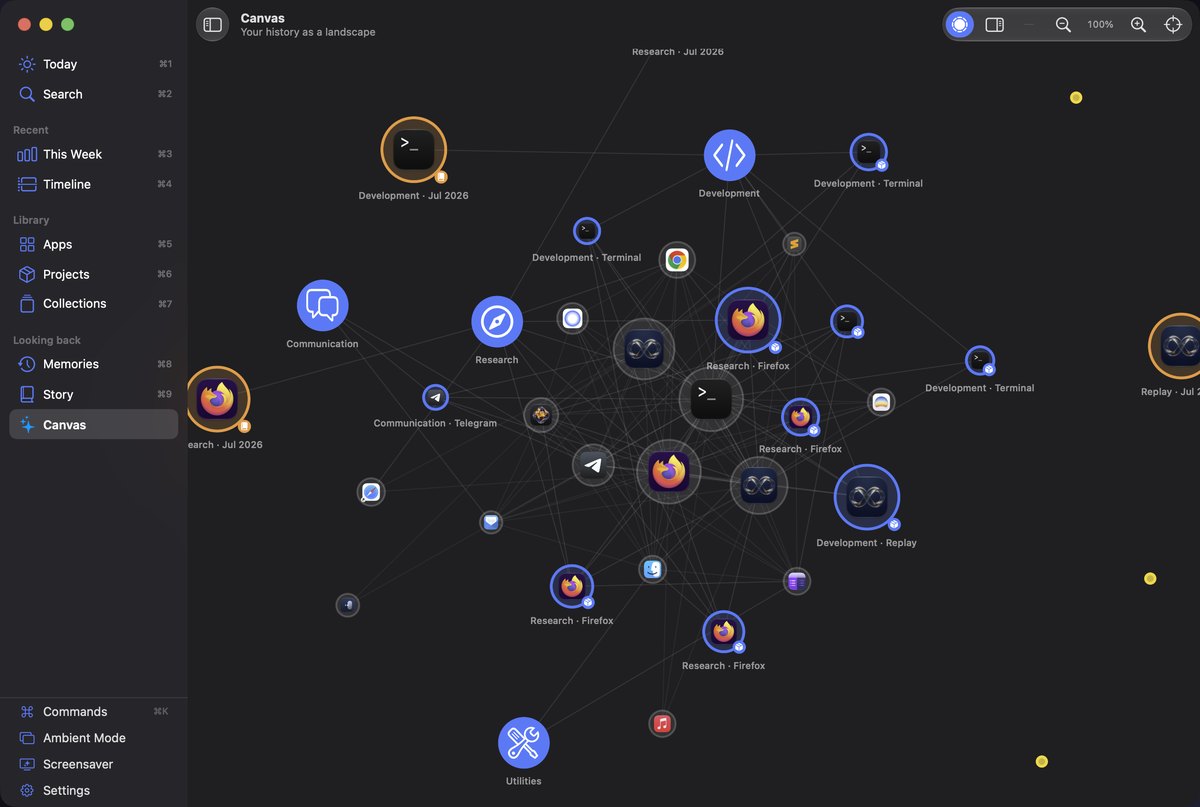
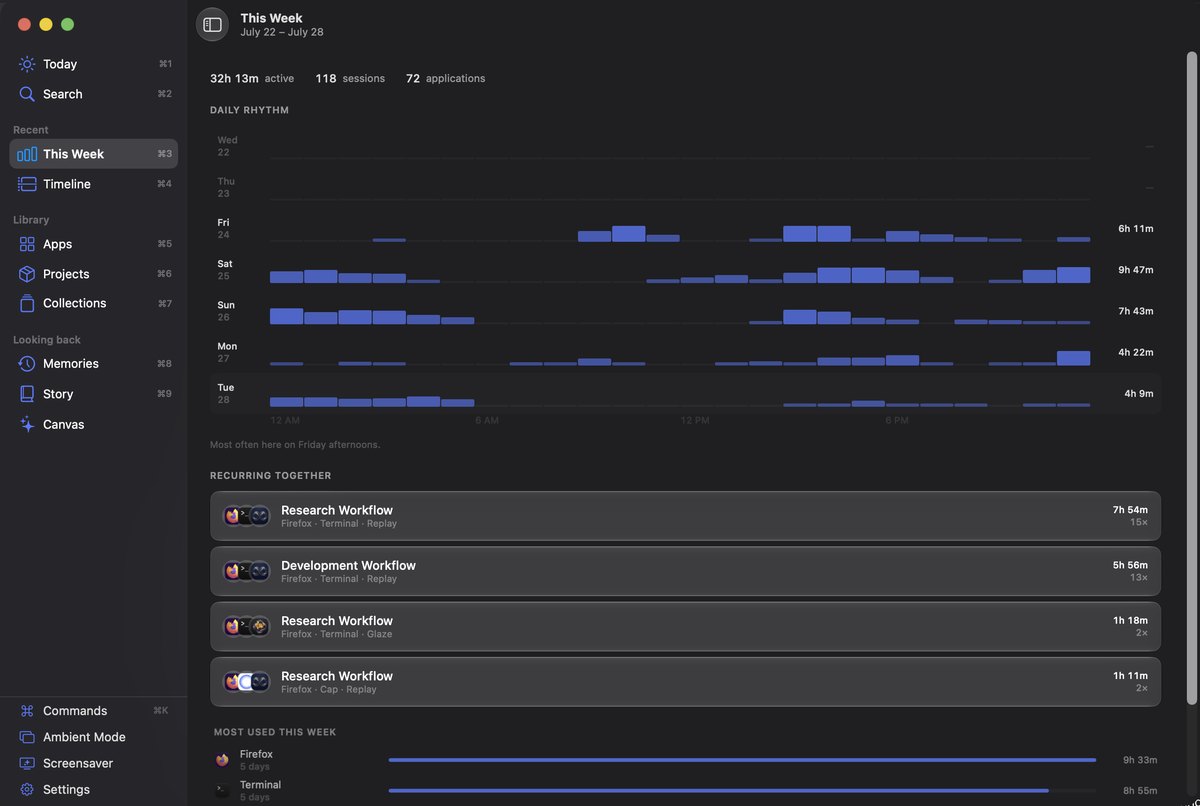
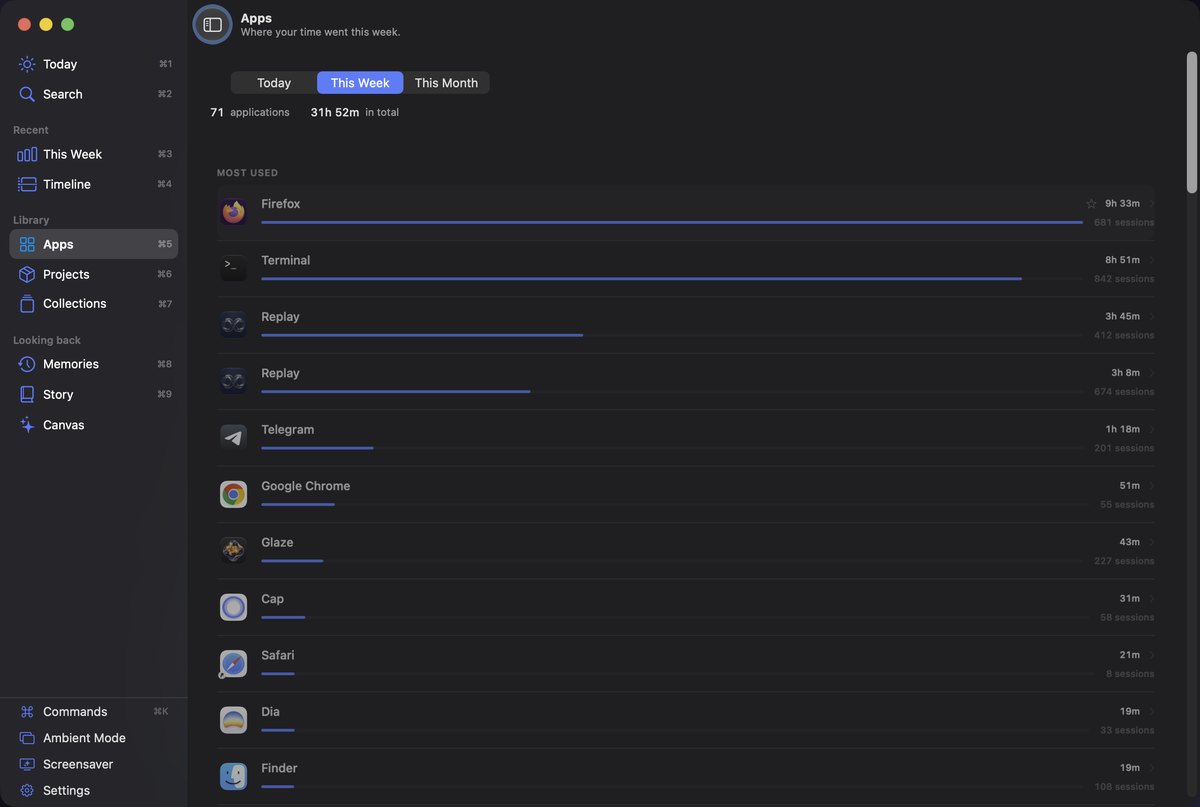
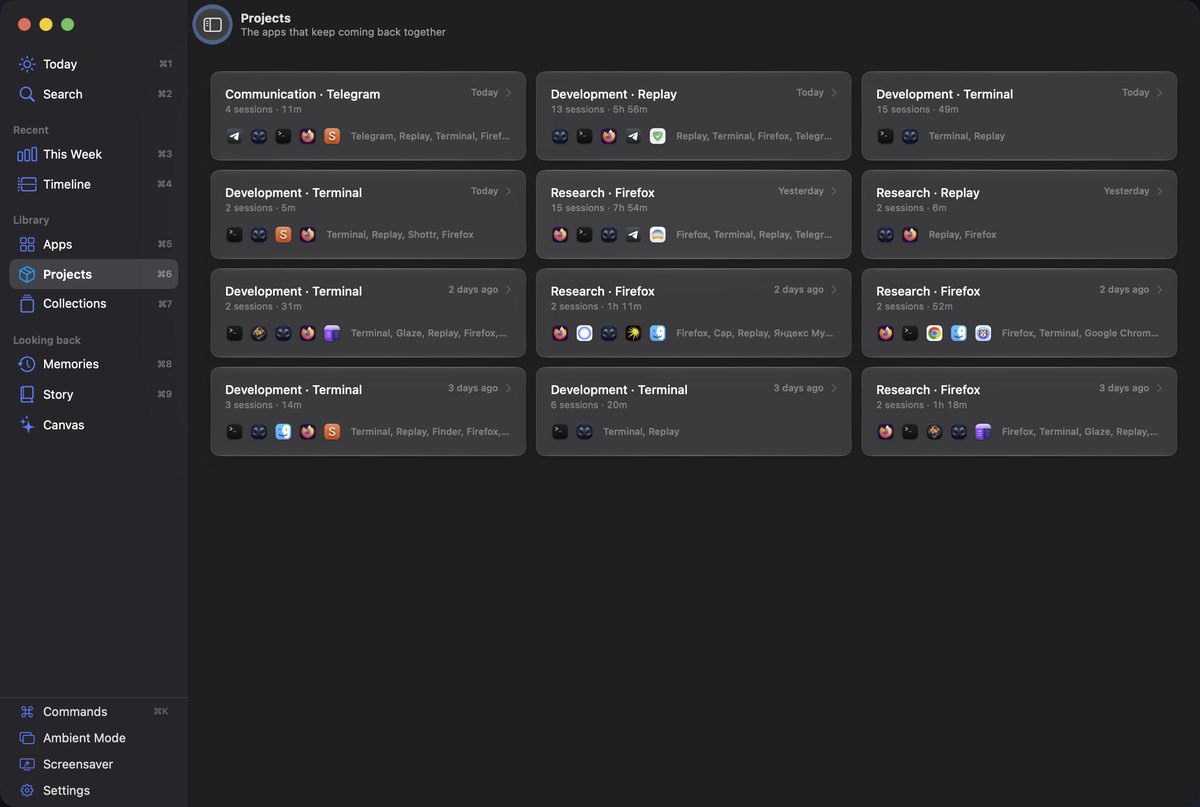
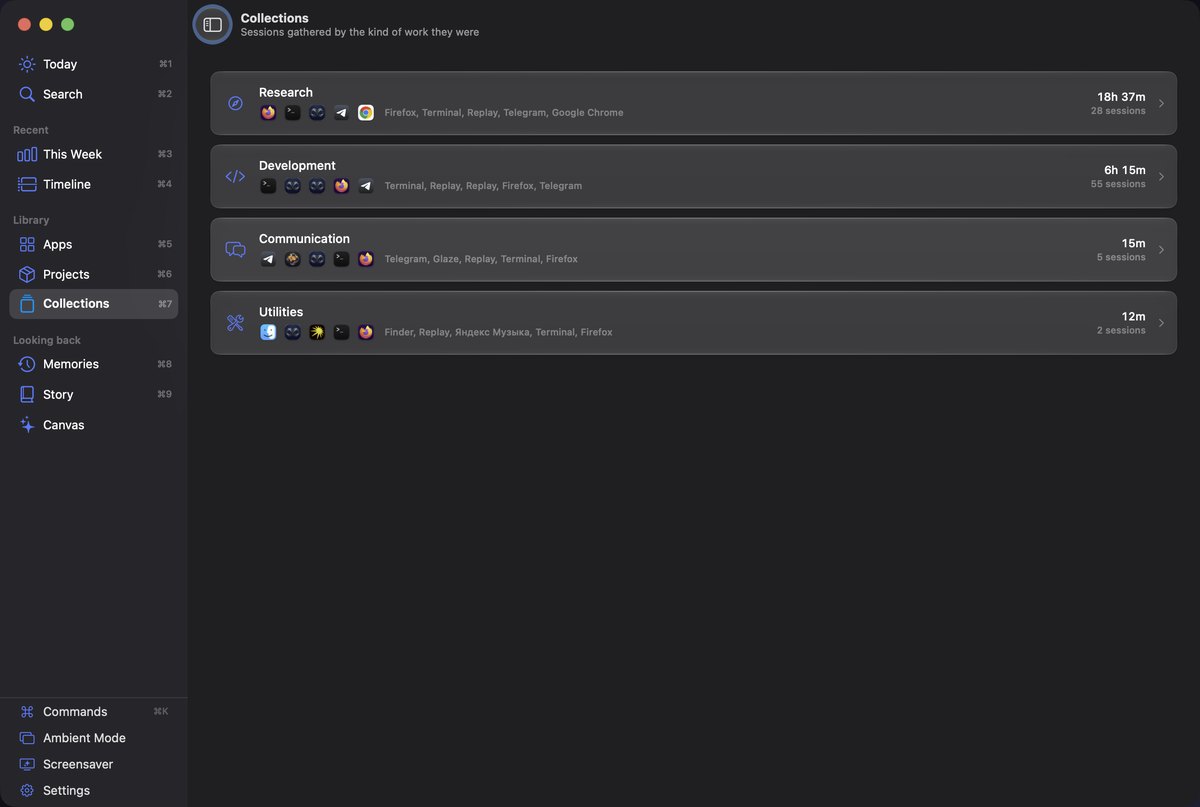
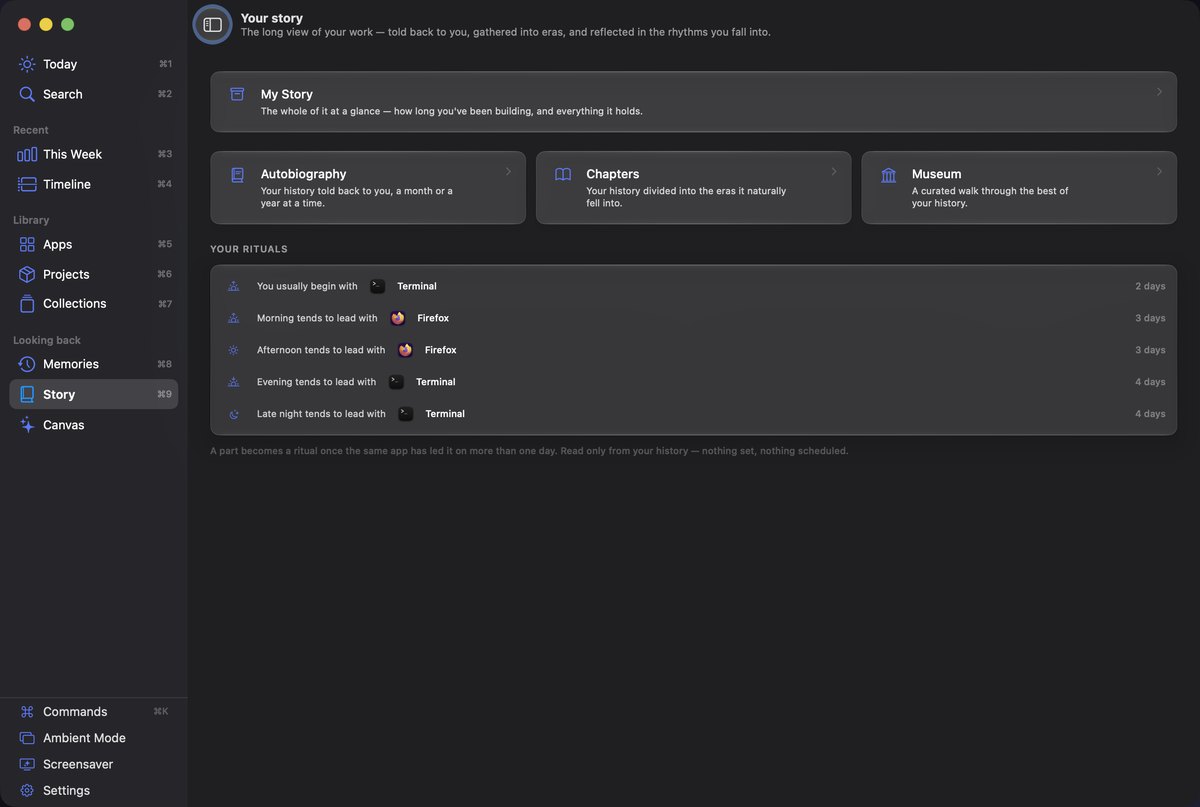
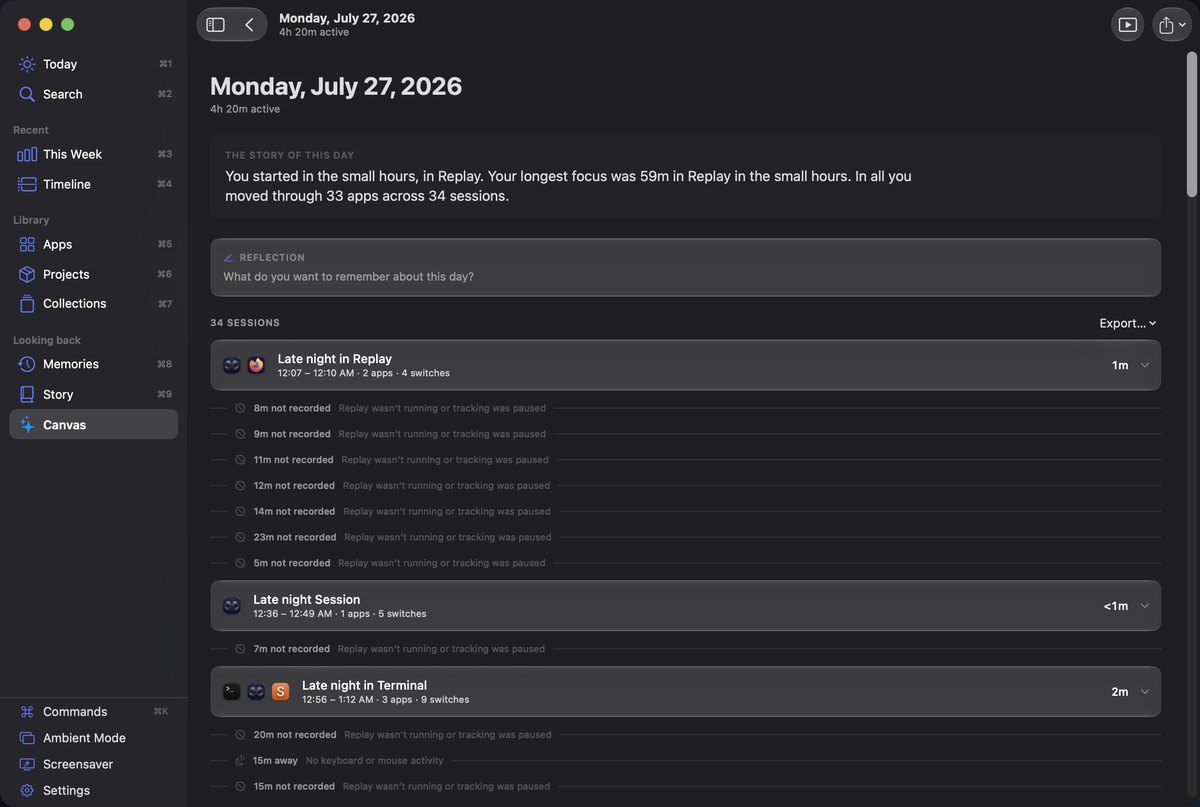
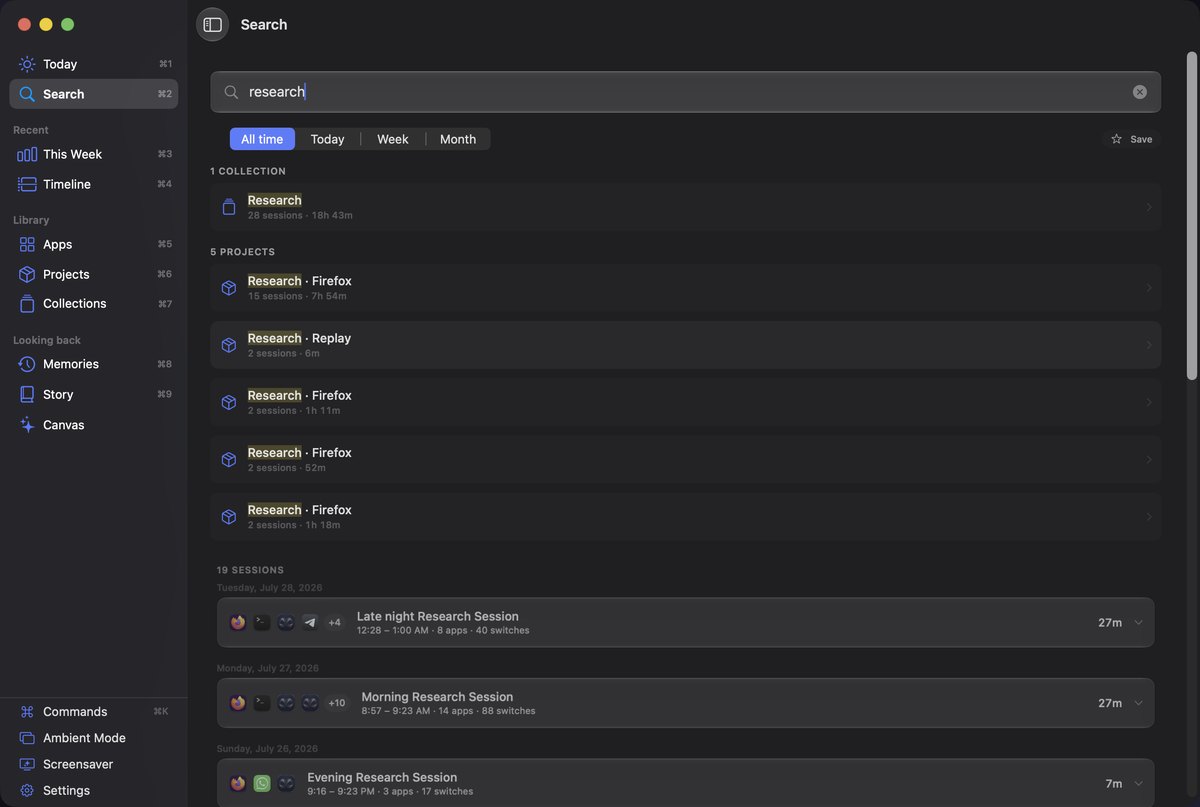
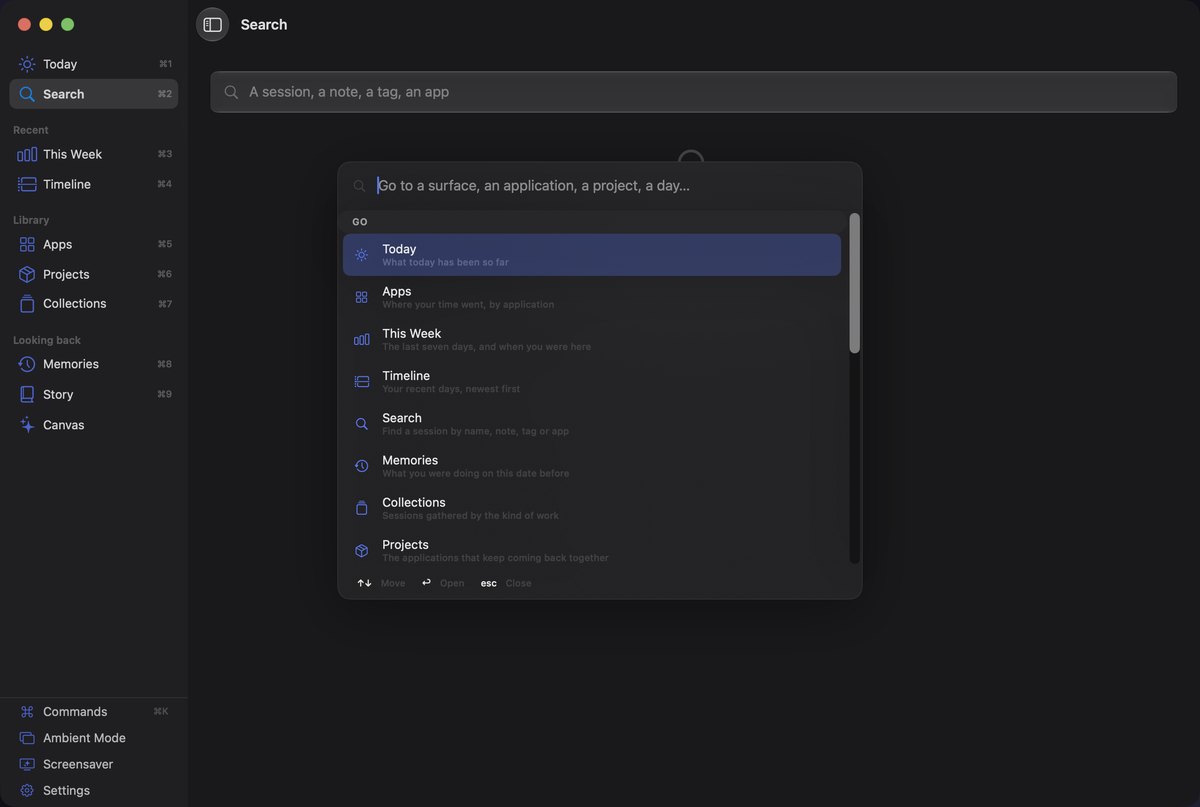
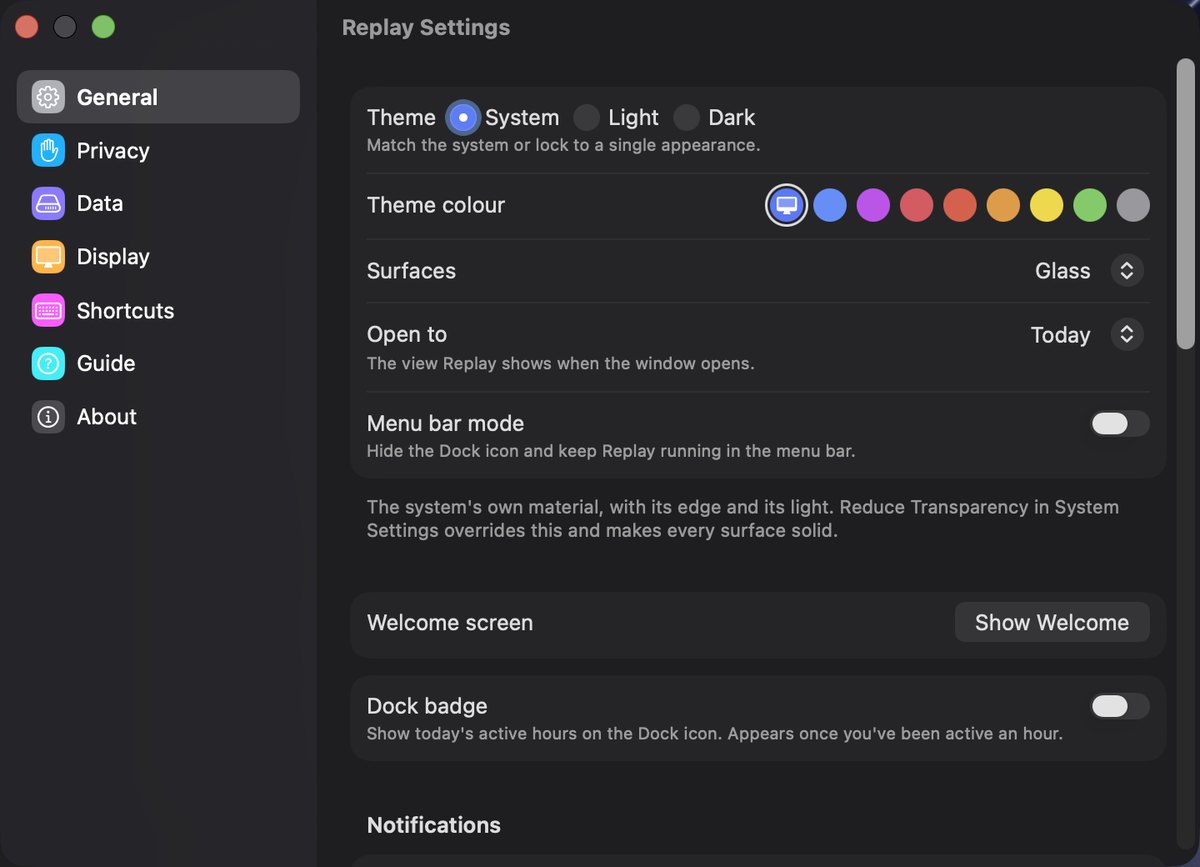
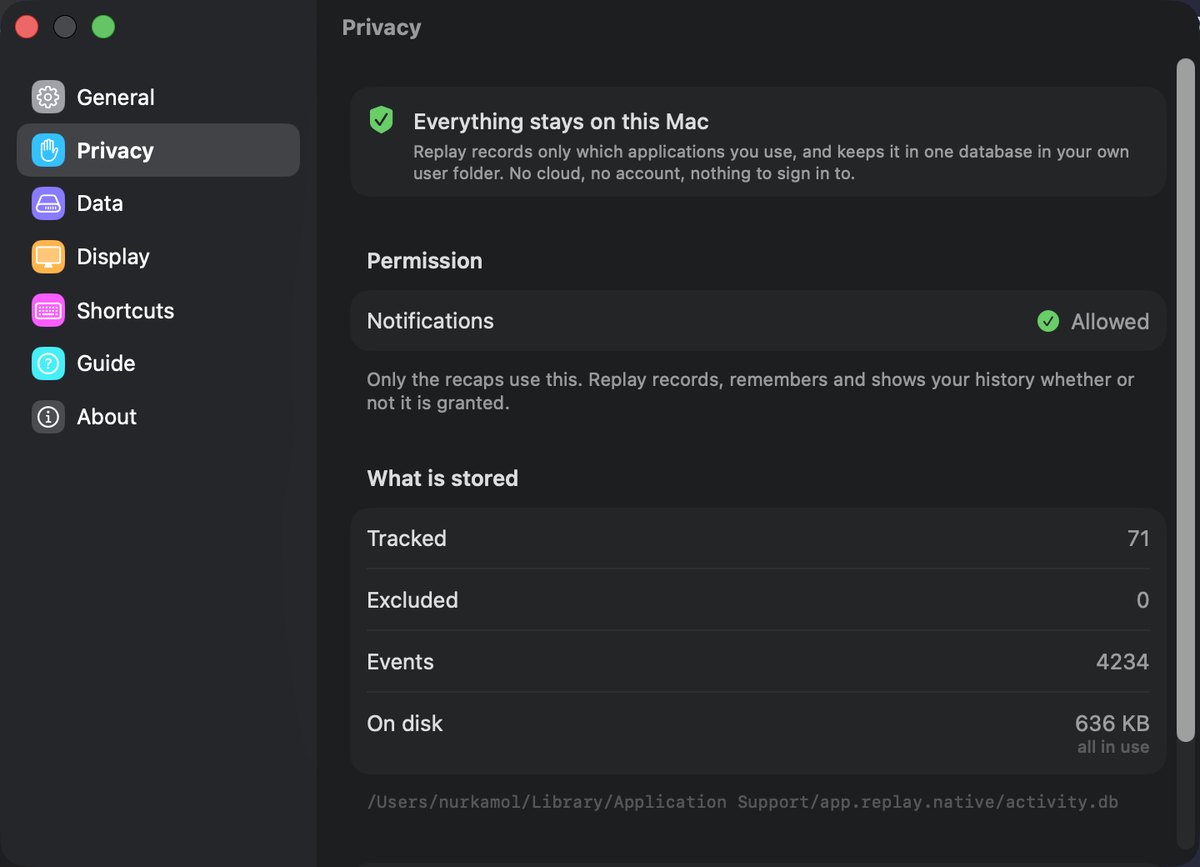
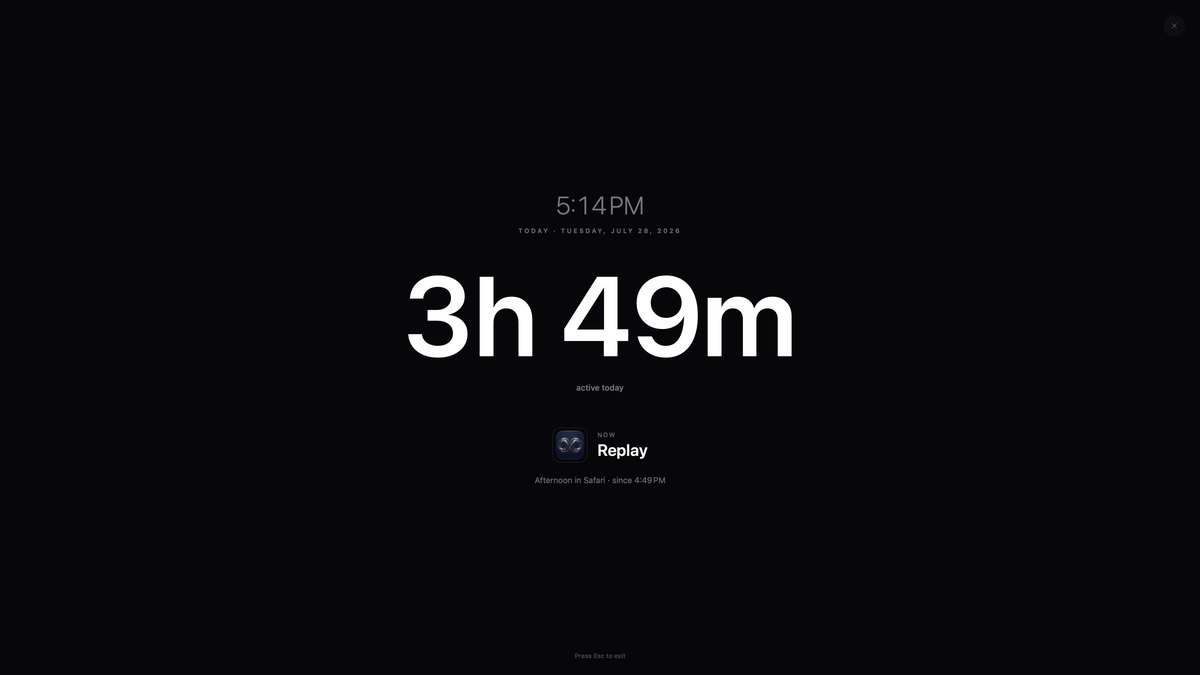
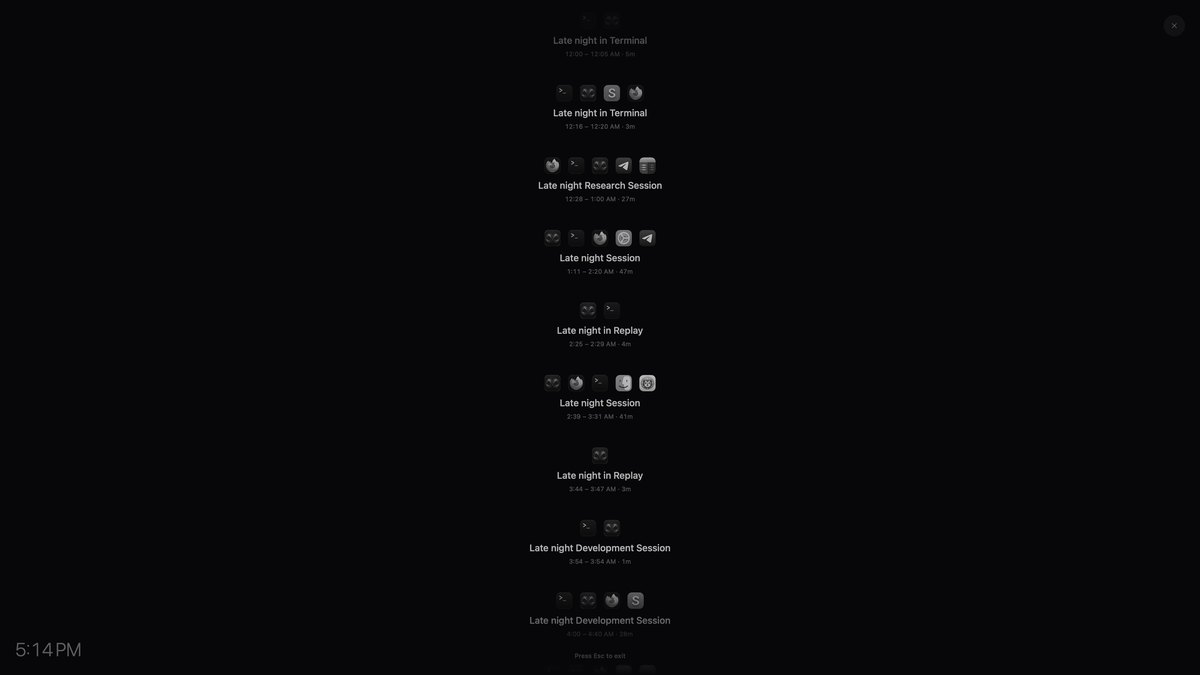
Replay is a native Swift port of an app that already ships. The two are compared by a generated contract — the reference’s own constants, copy and formats, extracted automatically — so the port cannot drift from it quietly.